A single Octopus Deploy Project can have multiple Runbooks. Each Runbook has a unique runbook process, retention policy, and allowable environments to run in. For example, a project might have a runbook to spin up additional infrastructure, or restart the server, or perform a daily backup.
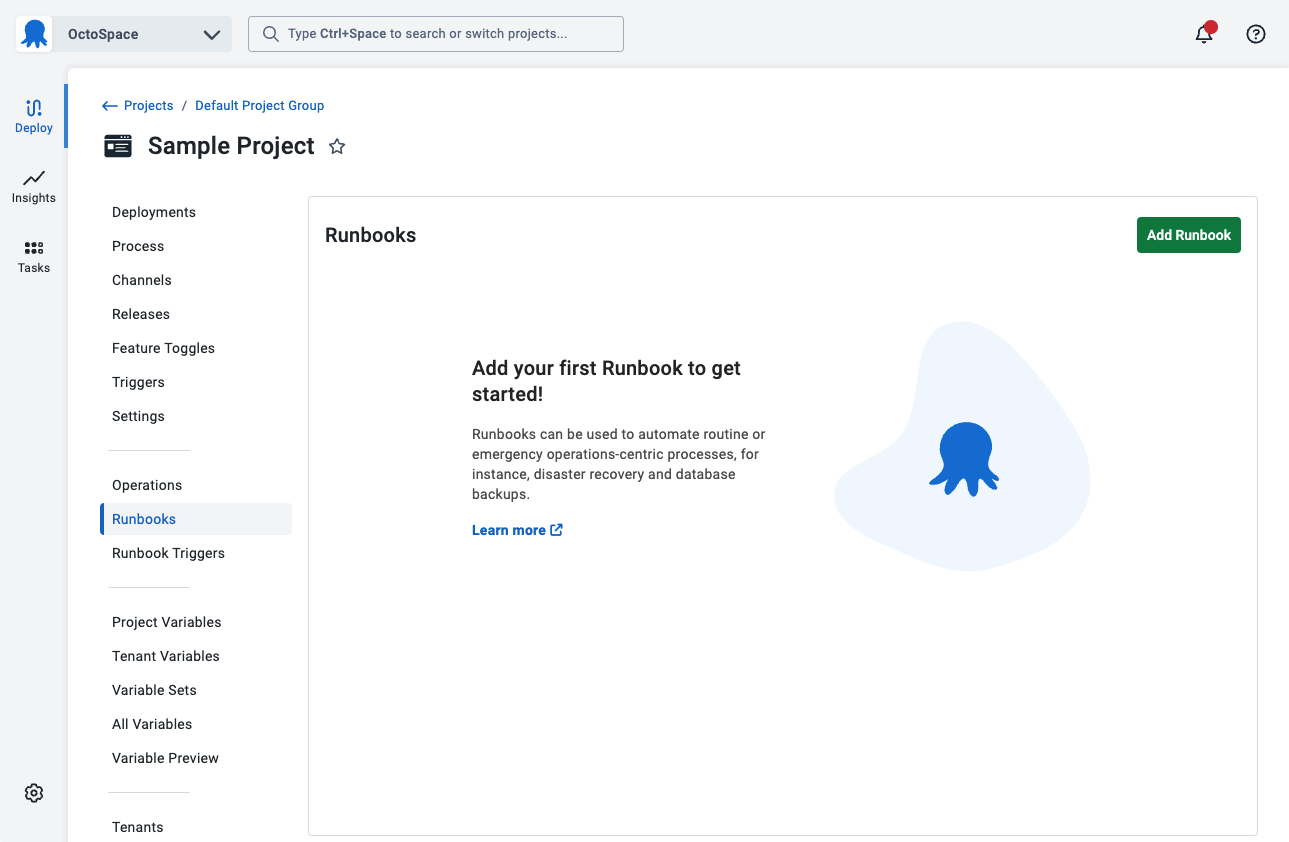
- From the Hello world project you created on the previous page, click OPERATIONS on the left menu to expand it (if it is not already expanded).
- Click GO TO RUNBOOKS.
- Click ADD RUNBOOK.
- Give the Runbook a name, for example, Hello Runbook and click SAVE.
The next step will define a simple runbook process to run on either the Octopus Server or a worker (if you are using Octopus Cloud).
Further Reading:
For further reading on Runbooks please see: