The NGINX feature is one of the configuration features you can enable as you define the steps in your deployment process.
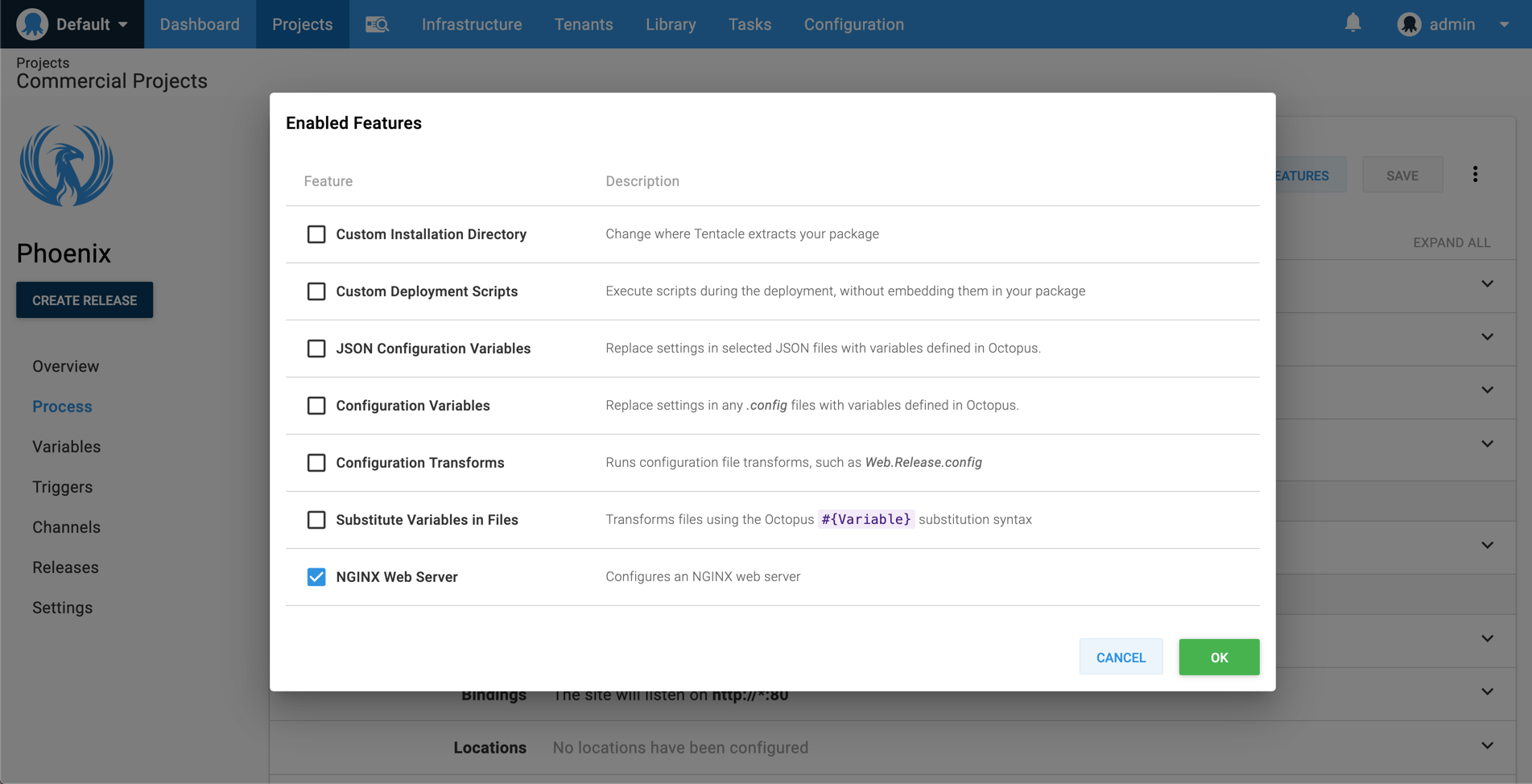
The NGINX web server feature is available on deploy a package steps, however, there is also a Deploy to NGINX step which you can use to configure NGINX during deployment. See NGINX on Linux deployment for more details.
Reverse proxy
When configuring a location as a reverse proxy, you need to add the following headers and directives by default:
Headers
Upgrade $http_upgrade,Connection keep-alive,Host $host,X-Forwarded-For $proxy_add_x_forwarded_for,X-Forwarded-Proto $scheme
Directives
proxy_http_version 1.1,proxy_cache_bypass $http_upgrade
Limitations
Supported operating systems
The NGINX Web Server feature currently only supports Linux based operating systems. See NGINX supported distributions for more details.