Project triggers allow you to automate your deployments by responding to events, for example, changes in your deployment targets or time-based schedules.
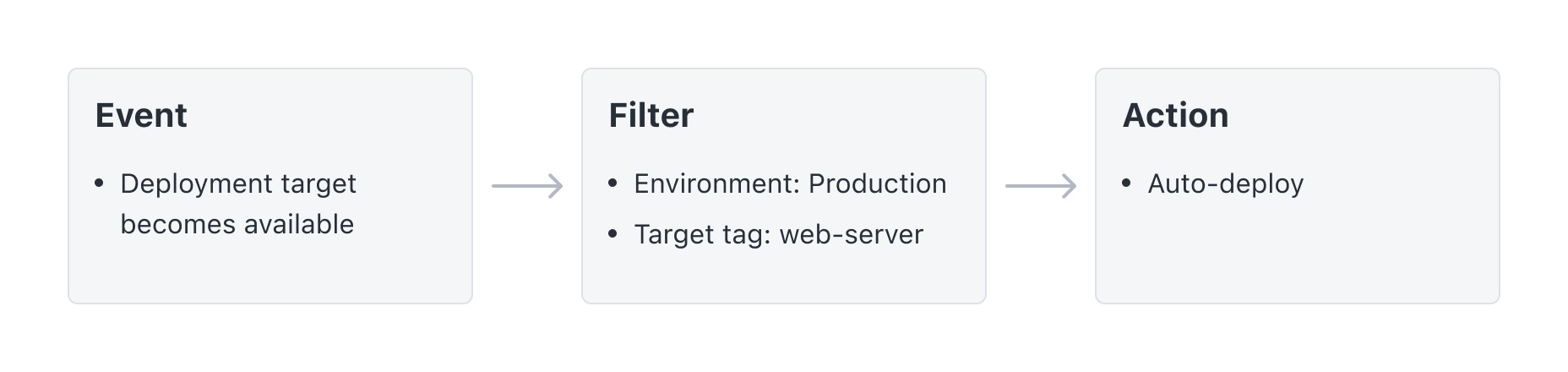
Choose from a subset of events that can occur in Octopus Deploy, apply a filter to those events, and decide what action you want performed after the trigger fires.
Trigger example
The example below is an automatic deployment trigger that fires when a deployment target that belongs to the Production environment becomes available and is tagged with the web-server target tag.
Types of triggers
- Git repository triggers: specify Git repositories to be monitored for new commits that will automatically trigger a release of your project.
- Deployment target triggers: specify which events on your deployment targets will automatically trigger a release of your project.
- Scheduled deployment triggers: define a recurring time-based schedule to automate deploying releases for your project.
- External feed triggers: specify container images or Helm charts that will automatically trigger a release of your project.
- Built-in package repository triggers: specify which package updates from the built-in package repository will automatically trigger a release of your project.