When you contact Octopus Deploy support with a deployment-related issue, we’ll sometimes ask you to send the full task log so that we can understand what went wrong.
To download the task log do the following:
- Select the deployment/task that you’re having an issue with.
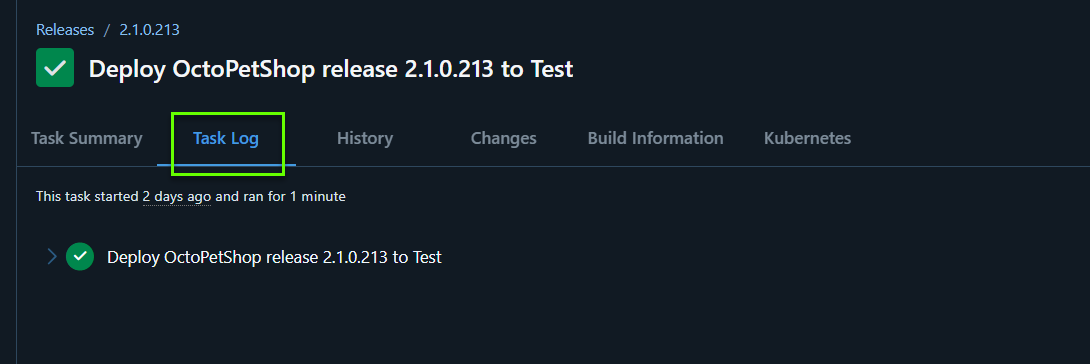
- Select the Task Log tab.
- Click the Download button on the right to download the raw task log.

Send this file to us, or attach it to your support request.
You might want to open the file in a text editor, and redact any sensitive information like hostnames or company information, before sending the log to us.