GitLab creates a Container Registry for each Project or Group. By default, container registries are disabled on self-hosted installations of GitLab. To use the container registry, you must first enable it and assign a port for the registry to listen on.
Adding a GitLab container registry as an Octopus External Feed
Create a new Octopus Feed by navigating to Deploy ➜ Manage ➜ External Feeds and select the Docker Container Registry Feed type.
Give the feed a name and in the URL field, enter the HTTP/HTTPS URL of the GitLab server with the port the container registry listens on in the format:
https://your.gitlab.url:[GitLab container registry port]
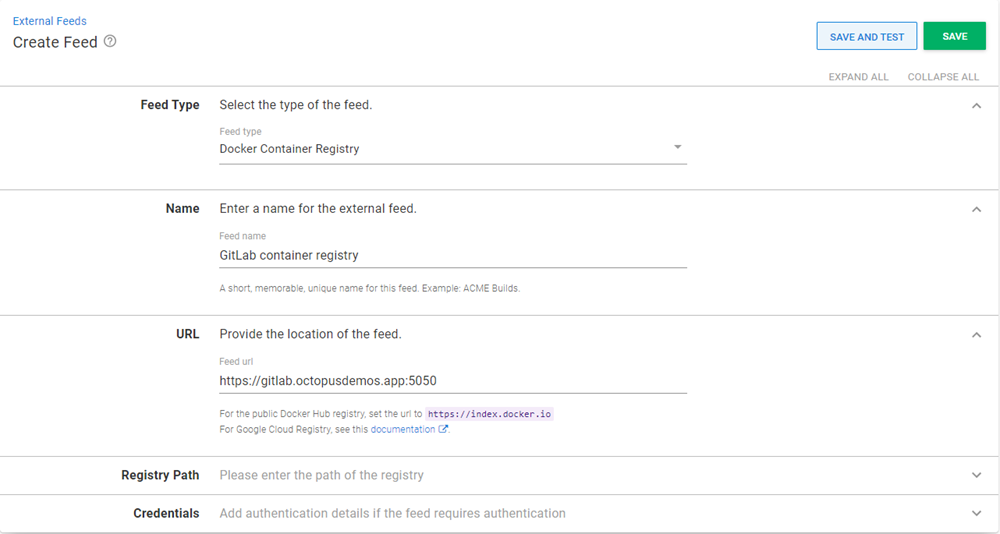
Optionally add Credentials if they are required.