The first step in this guide is to create the three teams needed for this scenario as tenants:
- Team Avengers
- Team Radical
- QA
To create your tenants follow these steps:
-
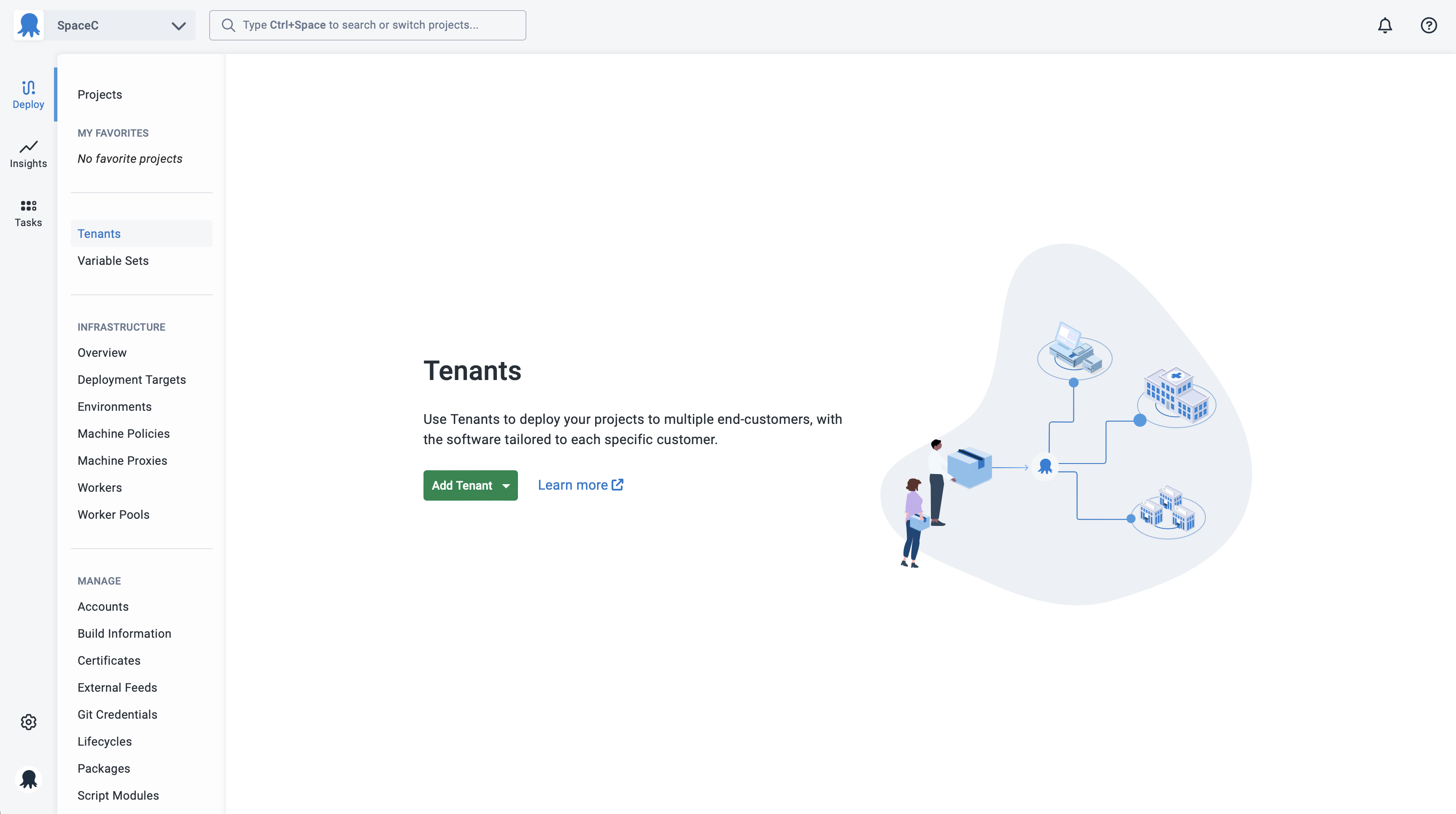
Select Tenants from the main navigation and click the Add tenant button:
-
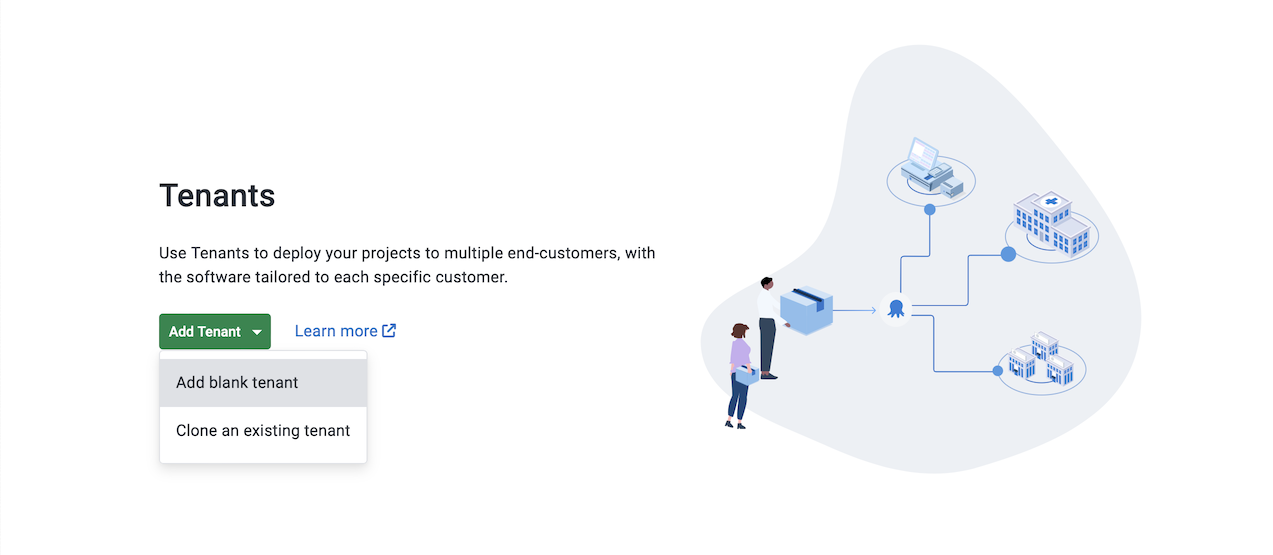
Select if you want to Add blank tenant or Clone an existing tenant:
-
Enter the name you want to use for the tenant and click the Save button:
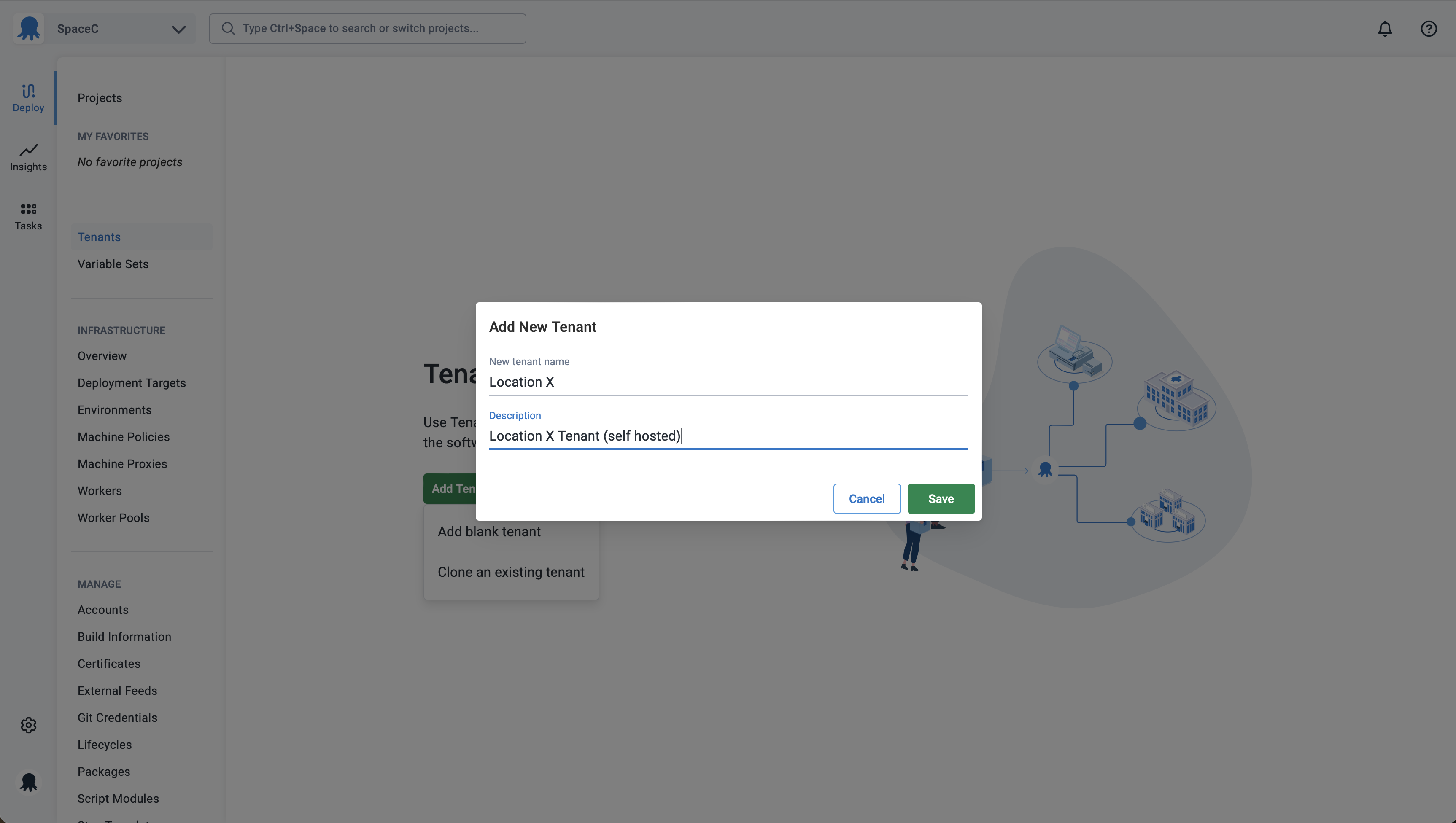
Repeat this process for each of the tenants, and then move on to the next section in the guide.