Octopus Deploy can help you run scripts on targets within Google Cloud Platform.
These scripts typically rely on tools being available when they execute.
It is best that you control the version of these tools - your scripts will rely on a specific version that they are compatible with to function correctly.
The easiest way to achieve this is to use an execution container for your script step.
If this is not an option in your scenario, we recommend that you provision your own tools on your worker.
When executing a script against GCP, Octopus Deploy will automatically use your provided Google cloud account details to authenticate you to the target instance, or you can choose to use the service account associated with the target instance.
This functionality requires the Google cloud (gcloud) CLI to be installed on the worker.
Run a gcloud script step
The Run gcloud in a Script step was added in Octopus 2021.2.
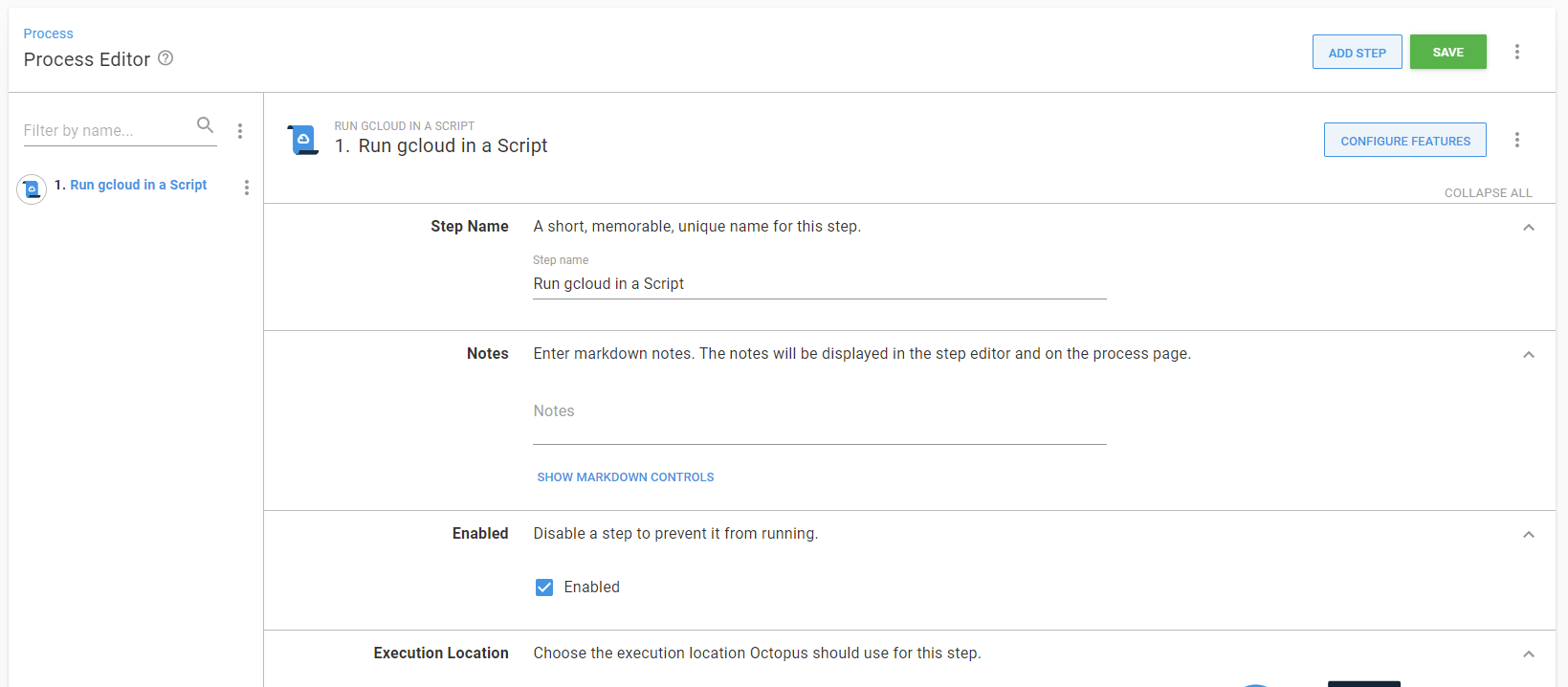
Octopus Deploy provides a Run gcloud in a Script step type, for executing script in the context of a Google Cloud Platform instance. For information about adding a step to the deployment process, see the add step section.
Learn more
- How to create Google cloud accounts